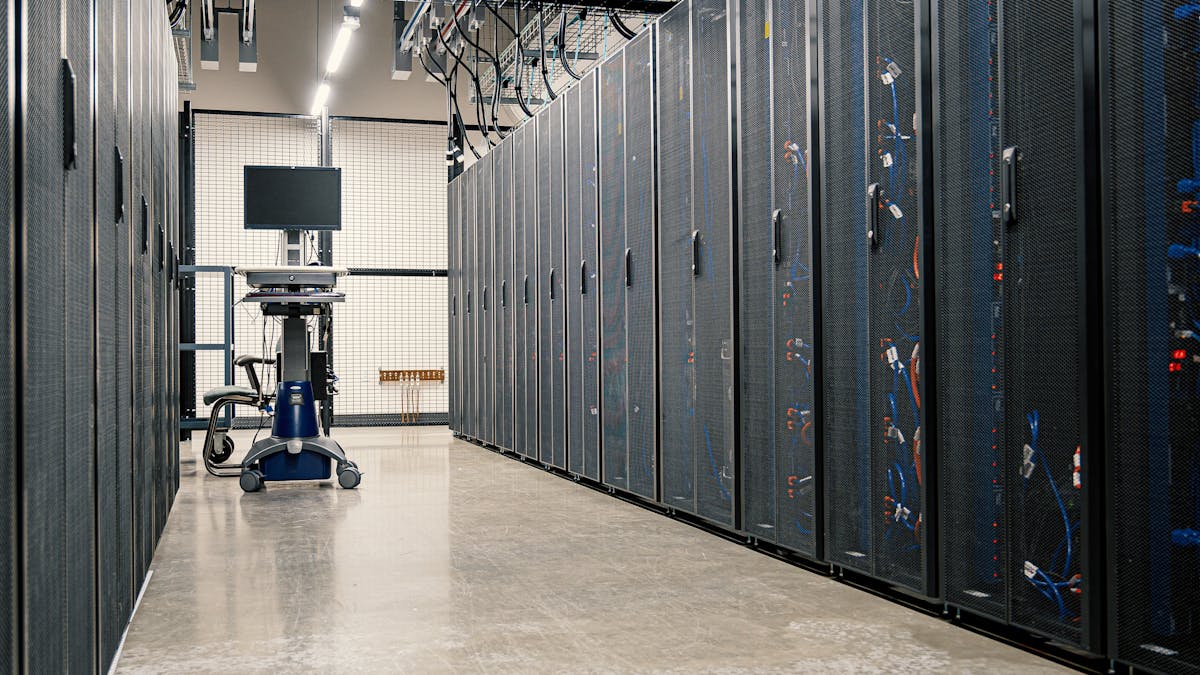
Servers, Storage and Backup · Vancouver, BC
Server Support Vancouver
Hexafusion provides server support and server backup for organizations in Vancouver and across the Lower Mainland. We look after servers, storage systems and virtual machines, in the office or in the cloud, and we back them up so the files and applications staff depend on can be restored. Server support and backup are available on every Hexafusion plan, charged per device.
Available to organizations on a Hexafusion plan. Server, storage and virtual machine support and backup can be added to Protect, Managed, Managed Pro and Enterprise. See our plans, or request a quote to start a plan.
Why servers matter to the organization
A server holds the shared files, applications and accounts the whole organization depends on. When a server stops, staff often stop with it: files cannot be opened, business applications cannot start and clients wait. Server support keeps each server watched, maintained and protected, and server backup makes sure its data can be recovered after a hardware failure, a deleted folder or a ransomware attack, malicious software that locks files until a ransom is demanded.
In plain terms: A server is a computer that provides files, applications or services to everyone in the office. A storage area network (SAN) is a shared storage network for servers. Network attached storage (NAS) is a file storage device on the office network. A virtual machine is a virtual server: a complete server that runs as software on a physical server or in the cloud.
What server support covers
Each server and storage system is added to the plan as its own device, in the office or in the cloud.
Server, SAN and NAS support
We look after each server and storage system on the plan. Available as an add-on on every plan, charged per device.
Virtual machine support
Each virtual server running on the organization's servers or in the cloud is supported and backed up. Available as an add-on on every plan, charged per virtual server.
24/7 monitoring
Our system watches the health and availability of computers and servers day and night and alerts us to problems, on every plan.
Hardware health alerts
Alerts us to failing drives, overheating and other hardware faults before they interrupt operations, on every plan.
Endpoint detection and response (EDR)
Security software on every computer and server that watches for suspicious behaviour, with 24/7 managed detection and response (MDR) from a security team that responds day and night, on every plan.
Automated maintenance
Scheduled storage clean-up, service recovery and routine maintenance that runs automatically, on every plan.
Server backup and business backup
A backup is a separate copy of the organization's data that can be restored when the original is lost, damaged or locked. Business backup works in layers, and each layer is listed on our plans page.
- Server, SAN and NAS backup. A backup of each server and storage system, with 1 terabyte (TB) of backup storage per server included. Available as an add-on on every plan, charged per device.
- Virtual machine backup. Each virtual server is backed up as part of its support, charged per virtual server.
- Backup and disaster recovery as a service (BDR). If a server fails, we can run it from the backup while it is repaired, so staff keep working. Available as an add-on on every plan.
- Microsoft 365 or Google Workspace backup. A separate copy of email, files, shared drives and Teams, up to 100 gigabytes (GB) per unit and stored in Canada. Included on Managed, Managed Pro and Enterprise, and available as an add-on on Protect.
- Computer backup. A copy of the files on each staff desktop and laptop. Included on Managed Pro and Enterprise, and available as an add-on on Protect and Managed.
- Network device configuration backup. A saved copy of the settings of cloud-connected firewalls, switches and Wi-Fi that support backup, so a failed or replaced device can be restored quickly. Included on Managed, Managed Pro and Enterprise, and available as an add-on on Protect.
Tested restores
A backup is only as useful as the restore behind it, so restores are tested on a schedule.
Monthly restore test
Each month we restore a sample of the backups on the plan to prove the backup works. Included on Managed, Managed Pro and Enterprise, and available as needed, billed hourly, on Protect.
Simulated disaster recovery test
We practise a full recovery to prove it works. Available as an add-on on Managed, Managed Pro and Enterprise, and quoted as project work on Protect.
Recovery planning, recovery targets and the wider approach to business continuity are set out on our backup and disaster recovery page.
When a server goes down
Alert
24/7 monitoring and hardware health alerts tell us when a server stops responding or a drive starts to fail.
Respond
A technician works on the server remotely, within the support on the organization's plan. When a server or the network is down outside business hours, a technician can come on site at the after-hours rate; Enterprise includes one such visit a year.
Recover
Files, folders or a whole server are restored from backup. With backup and disaster recovery as a service, the server can run from the backup while it is repaired.
Review
We confirm the server is healthy, check that backups are running again and recommend any change that lowers the chance of a repeat.
New servers, moves and migrations
Setting up a new server in the office or in the cloud, moving a server to a new office and migrating data from an old server are project work on every plan. Project work is quoted and approved by the organization in writing before we start, and it can be scheduled after hours or on weekends. When the organization changes offices, our office IT relocation service shuts down, packs, moves and reconnects the server, and our network cabling service installs the server racks and cabinets that hold it.
Server support and backup by plan
The rows below are taken from our plans page, which sets out the full scope and the monthly investment per unit. Add-on means available on that plan when the organization asks, priced on its quote.
Swipe the table sideways to compare all four plans.
| Service | Protect | Managed | Managed Pro | Enterprise |
|---|---|---|---|---|
| Server, SAN and NAS support (per device) | Add-on | Add-on | Add-on | Add-on |
| Server, SAN and NAS backup (per device, 1 TB per server included) | Add-on | Add-on | Add-on | Add-on |
| Virtual machines: support and backup (each one) | Add-on | Add-on | Add-on | Add-on |
| Backup and disaster recovery as a service (BDR) | Add-on | Add-on | Add-on | Add-on |
| Monthly restore test of the backups on the plan | As needed, billed hourly | Included | Included | Included |
| Simulated disaster recovery test | Quoted as project work | Add-on | Add-on | Add-on |
| 24/7 monitoring of computers and servers | Included | Included | Included | Included |
| Hardware health alerts for computers and servers | Included | Included | Included | Included |
| EDR with 24/7 MDR on every computer and server | Included | Included | Included | Included |
| Microsoft 365 or Google Workspace backup | Add-on | Included | Included | Included |
| Computer backup (staff desktops and laptops) | Add-on | Add-on | Included | Included |
| Network device configuration backup | Add-on | Included | Included | Included |
| Emergency on-site, after hours (server or network down) | After-hours rate | After-hours rate | After-hours rate | 1 visit a year, then after-hours rate |
| New servers (local or cloud), moves and migrations | Quoted as project work | Quoted as project work | Quoted as project work | Quoted as project work |
Resolving an issue that monitoring finds follows the plan: billed hourly on Protect. Work outside business hours is billed at after-hours rates.
Service area
We provide server support and server backup for organizations in these Lower Mainland cities. Accounting firms, clinics, engineering firms, property managers, non-profit organizations and other professional offices are typical of the organizations we support.
See the full list on our service areas page.
Frequently asked questions
Is server support available on every Hexafusion plan?
Yes. Server, SAN and NAS support and server backup are available as add-ons on Protect, Managed, Managed Pro and Enterprise, charged per device. Each virtual machine is supported and backed up as its own add-on, charged per virtual server. 24/7 monitoring, hardware health alerts and endpoint detection and response (EDR) with 24/7 managed detection and response (MDR) on every computer and server are part of every plan.
What is the difference between a SAN and a NAS?
A storage area network (SAN) is a shared storage network that several servers use for their data. Network attached storage (NAS) is a file storage device on the office network that staff and computers use for shared files. Both hold business data, so both are supported and backed up in the same way as a server.
Do you support and back up servers in the cloud as well as in the office?
Yes. Server support and server backup cover each server and storage system in the office or in the cloud, and virtual machine support covers each virtual server running on the organization's servers or in the cloud.
How do we know the server backup will work when it is needed?
Each month we restore a sample of the backups on the plan to prove the backup works. The monthly restore test is included on Managed, Managed Pro and Enterprise, and is available as needed, billed hourly, on Protect. A simulated disaster recovery test, a practice of a full recovery, is available as an add-on on Managed, Managed Pro and Enterprise, and is quoted as project work on Protect.
What happens if a server fails?
Monitoring alerts us, a technician works on the server, and data is restored from backup. With backup and disaster recovery as a service (BDR), we can run the server from the backup while it is repaired, so staff keep working. When a server is down outside business hours, a technician can come on site at the after-hours rate; Enterprise includes one such visit a year.
Is a new server, a server move or a data migration part of the plan?
Setting up new servers in the office or in the cloud, moves and migrations are project work on every plan. Project work is quoted and approved by the organization in writing before we start, and it can be scheduled after hours or on weekends. For an office move, see our office IT relocation service.
Who is server support and backup available to?
Server support and backup are available to organizations on a Hexafusion plan. Organizations that would like to start a plan can review our plans and request a quote.
Request a quote for server support and backup
Tell us the number of staff, and the servers, storage systems and virtual machines the organization runs in the office or in the cloud. We will recommend a plan and provide a written quote. Server support and backup are available to organizations on a Hexafusion plan. See our plans.
Request a quoteRelated services